
Imagine transforming your video creation process into a seamless, interactive experience without the need for any coding skills. Sounds like a dream, right?
I was trying to make a simple tutorial for my online course. I had to switch between different apps for recording, editing, and adding quizzes. It took hours, and the result was not engaging. Then, I found Dadan, the best AI video generator. It is all about making things easy and, most importantly, interactive. I was immediately curious, and after putting it through its paces, I have to tell you—I’m impressed.It changed everything for me. Let me tell you my story and why I think Dadan is the top choice for anyone who wants to generate interactive videos easily.
Click here to explore the incredible features and benefits waiting for you.
What Is Dadan
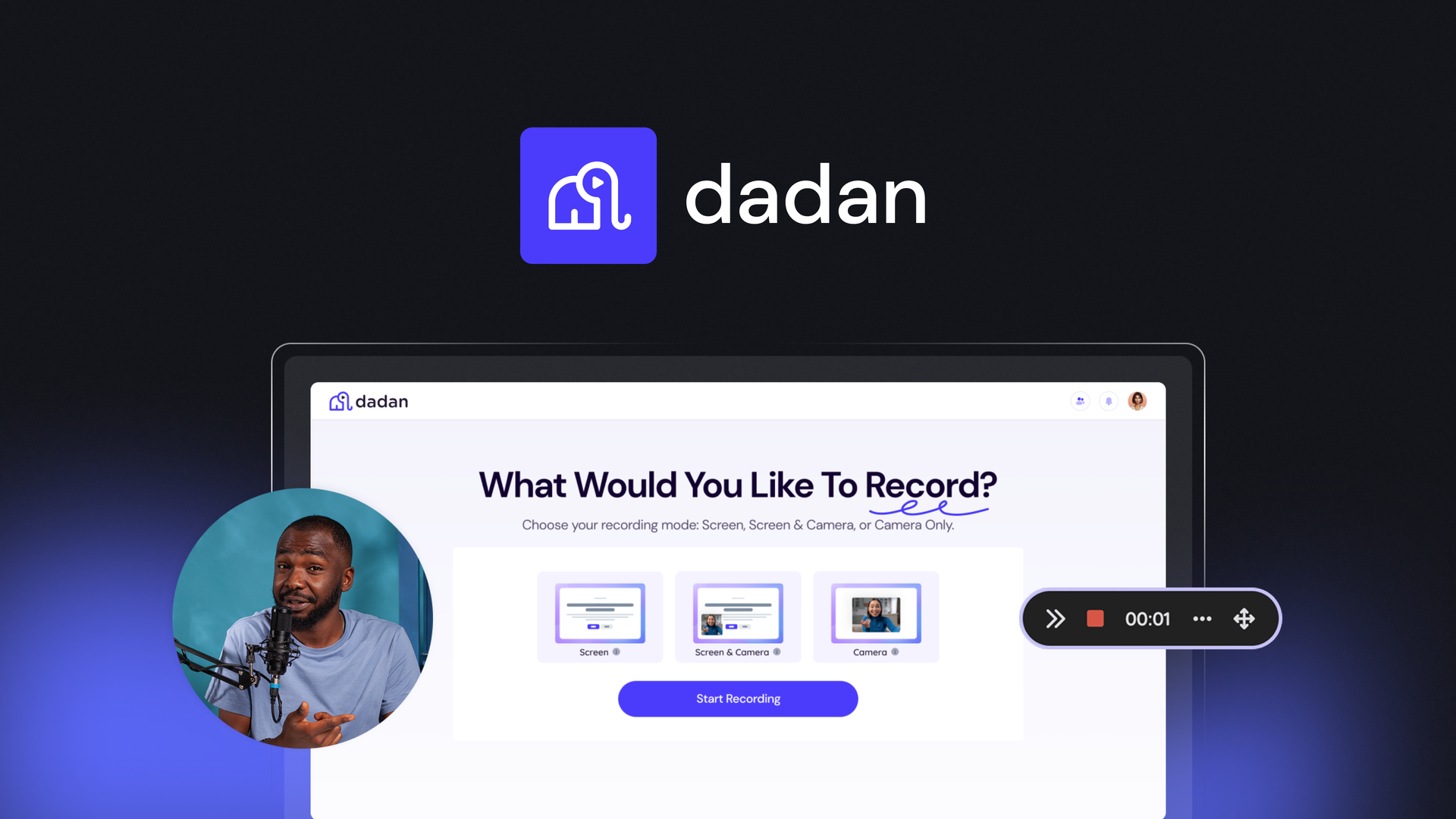
Dadan is a smart and easy-to-use AI video generator that helps you create interactive videos without coding. It is perfect for teachers, marketers, business owners, and teams who want to make engaging videos fast. With Dadan, you can record your screen, webcam, or both, then edit everything in one place. You can also add interactive features like quizzes, polls, forms, and call-to-action buttons to keep viewers engaged.
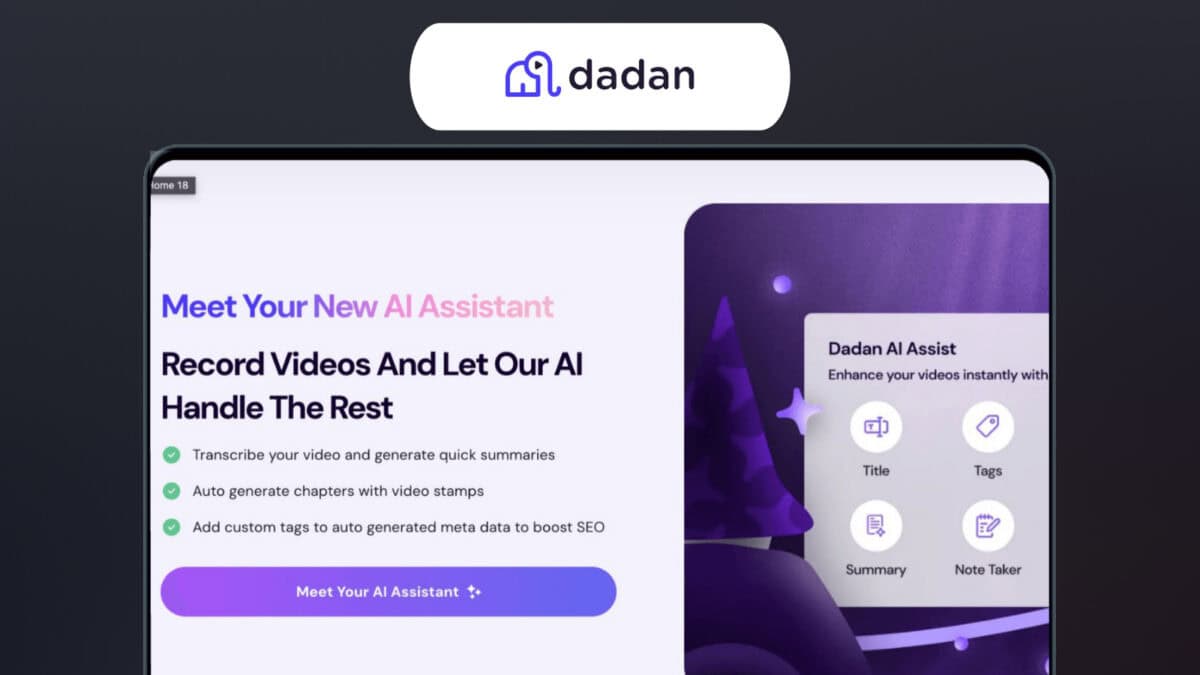
Its built-in AI creates transcripts, translations, video chapters, and summaries, saving you hours of work. Dadan is browser-based and also works with a Chrome extension and Windows app, making it simple to access anywhere. Whether you’re making online lessons, product demos, or team presentations, Dadan helps you produce high-quality, professional videos. With its affordable AppSumo lifetime deal, you can enjoy all its features for a one-time payment, making it the best AI video generator for creators and businesses.
Key Features Of Dadan
1. Simple Video Recording
Dadan makes it easy to record videos. You can record your computer screen, your face with a webcam, or both at the same time. This is perfect for making tutorials, product demos, or just sharing a quick video message. It even allows you to record in high-quality, up to 4K resolution.
2. AI-Powered Automation
This is where Dadan’s “AI” magic happens. It automates many of the difficult and time-consuming parts of video creation. The AI can:
- Transcribe Videos: It automatically turns what you say into text. This is great for making captions and for making your video searchable. It works for over 30 languages.
- Create Summaries and Chapters: For long videos, the AI can make a quick summary and add chapters. This helps viewers find exactly what they need without watching the whole video.
- Help with SEO: The AI can create titles, tags, and descriptions for your videos to help them get found more easily on websites like YouTube.
3. Interactive Video Elements
This is what makes Dadan truly special. It lets you add things to your video to get people to engage with it, not just watch it. You can add:
- Quizzes and Polls: To ask questions and get instant feedback from your viewers.
- Forms and CTAs (Call-to-Action) Buttons: To collect information from viewers or send them to another website.
- Feedback Fields: To let viewers leave comments or give their thoughts at specific moments in the video.
4. All-in-One Editor
You don’t need a separate, complicated video editing program. Dadan has a simple editor built in, allowing you to:
- Trim and Cut: Easily remove parts of the video you don’t want.
- Blur Sensitive Info: Hide personal or private details on your screen with a blur tool.
- Add Text and Shapes: Place text, arrows, or shapes on your video to highlight important points.
5. Easy Sharing and Collaboration
Once your video is ready, Dadan makes it simple to share.
- Secure Links: You can share videos with a simple link and set who can view it.
- Direct Uploads: You can upload your videos directly to platforms like YouTube or social media.
- Team Features: You can create teams and folders to organize videos and get feedback from other people on your team
Pricing And Affordability
Dadan offers three lifetime deal tiers to fit different needs.
Tier 1: $69 (One-Time Payment)
This plan is perfect for individuals or very small teams who are just getting started with video creation.
- Users: 1 user can access and use the account.
- Videos: You can create up to 100 videos each month.
- Video Length: Each video can be up to 60 minutes long.
- AI Transcriptions & Translations: You get 120 AI transcriptions and 60 translations per month, which is very helpful for a single user.
- Storage: 50 GB of storage space is included, with a 2 GB upload limit for each file.
Tier 2: $149 (One-Time Payment)
This tier is a solid choice for small to medium-sized teams who need more video capacity and collaboration features.
- Users: Up to 3 users can work together on the platform.
- Videos: You can create up to 200 videos each month.
- Video Length: Each video can be up to 120 minutes long.
- AI Transcriptions & Translations: The limits for AI services are increased to 300 AI transcriptions and 120 translations monthly.
- Storage: You get 100 GB of storage space with a 5 GB upload limit for each file.
Tier 3: $319 (One-Time Payment)
This plan is for power users, large teams, or businesses that need to create and store a lot of video content.
- Users: You get unlimited users, which is great for a growing business.
- Videos & Storage: Both the number of videos and the storage are unlimited. This means you never have to worry about hitting a limit.
- Video Length: Each video can be of unlimited length.
- AI Transcriptions & Translations: You get the most generous limits here: 600 AI transcriptions and 300 translations per month.
- Upload Limit: The file upload limit is 25 GB per file.
Pros And Cons Of Dadan
Pros
- ✅ Easy to use, no coding required
- ✅ All-in-one platform for recording, editing, and hosting
- ✅ AI-powered transcripts, translations, and video summaries
- ✅ Interactive elements like quizzes, polls, and forms
- ✅ Affordable lifetime deal with no monthly fees
- ✅ Works on browser, Chrome extension, and Windows app
- ✅ Great for educators, marketers, and remote teams
- ✅ Advanced analytics for tracking engagement
- ✅ Smooth team collaboration tools
❌ Cons
- ❌ Video editor can lag or crash on large projects
- ❌ Interface could be more modern and polished
- ❌ Limited storage and integrations in lower tiers
- ❌ White-label (CNAME) feature only in Tier 3
- ❌ Mac and iOS apps are not yet available
Ideal Users
Dadan is perfect for educators, marketers, and team leaders who want to create professional videos without coding skills.
✅ Educators can make lessons more engaging with quizzes and polls. For example, I used it for my online class, and students loved the interactive polls.
✅ Marketers use it to create product demos with forms to collect leads. One user even said it’s a “game-changer for sales,” especially for international teams.
✅ Teams rely on Dadan for presentations, meetings, and training videos. It’s also great for online courses and global content because of its translation and transcription features.
From my experience, Dadan helped me create a business meeting video with interactive elements. It kept everyone engaged and made the session more productive.
Frequently Ask Questions
How Does Dadan Help Create Interactive Videos?
Dadan uses AI to let you add forms, polls, and quizzes easily. I drag and drop elements into my videos. It generates transcripts and summaries too, making content accessible.
Do I Need Coding Skills for Dadan?
No, you don’t need coding for Dadan. That’s why I love it. The interface is simple for beginners. Just record, edit, and add interactions with clicks.
Can I use Dadan AI for YouTube videos?
Absolutely. Dadan is great for creating videos for any platform, including YouTube. It can help you with SEO-friendly titles and descriptions, and you can even upload your videos directly to YouTube.
Does Dadan work on mobile or only desktop?
Right now, you can use the browser, Chrome extension, and Windows app. Mac and iOS versions are still coming.
Final Recommendations
Using Dadan AI has made video creation so easy here in Dhaka. It truly feels like the best AI video generator I’ve found—simple, powerful, and budget-friendly. If you want to capture your screen, add fun quizzes, or have AI summarize your meetings, Dadan’s lifetime deal is a real gem.
I hope my story helps you decide—especially if you’re looking for a tool that just works, with no stress.